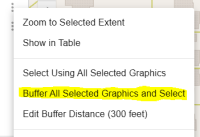
Create a Buffer
(optional)
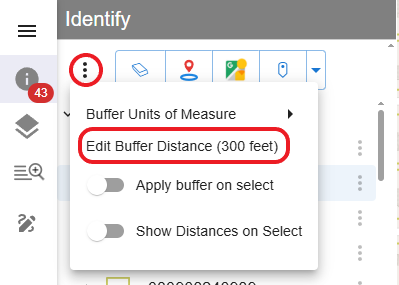
1. If needed, change the buffer distance (default is 300 feet). In the Identify window, click the context menu (three vertical dots) and select Edit Buffer Distance (300 feet) to modify the buffer distance.
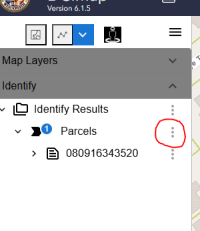
2. After making a selection, Click the context menu (three vertical dots) next to Parcels (or another feature layer).
3. Select Buffer All Selected Graphics and Select to select all parcels within the buffer.