Edit Graphics
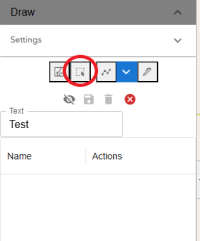
Select graphic
To select a graphic, either click on the graphic in the map or use the Select Graphics by Rectangle button
Move Graphic
To move a graphic, select and drag to desired location
Move a Vertex
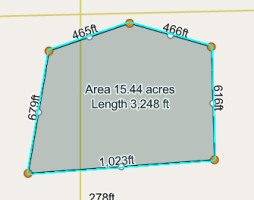
To move a vertex: Select the graphic, click and hold on an orange circle (vertex), and drag to the desired location
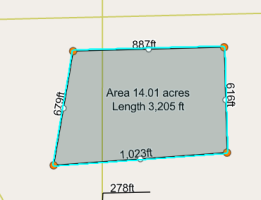
Add a Vertex
To add a vertex: Select the graphic, click and hold on a white circle, and drag to the desired location
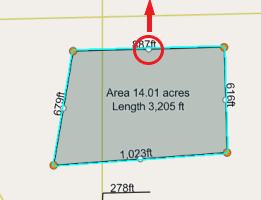
Rotate a graphic
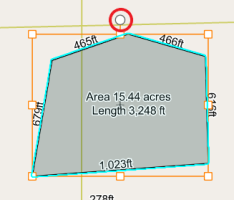
To rotate a graphic: Select the graphic, then select again. A "orange" box sorounding the graphic will appear. Click and hold on the circle anchor on top and drag to the desired location
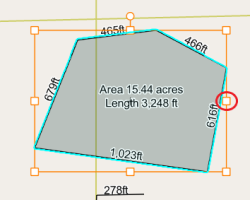
Change size of graphic
To change the size of the graphic: Select the graphic, then select again. A "orange" box sorounding the graphic will appear. Click and hold on one of the square anchors and drag to the desired location