Create Text
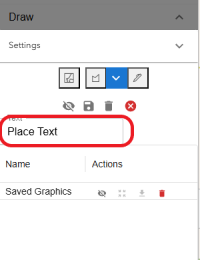
1. In the Text box, delete the placeholder text 'Place Text' and enter your own text
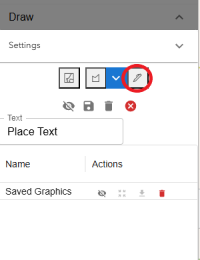
2. Click the Draw Text button, then click on the map to place the text at your desired location
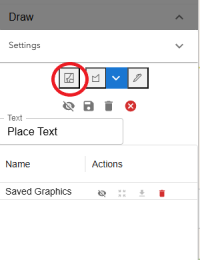
To erase, click on the Clear Drawing Graphics button
1. In the Text box, delete the placeholder text 'Place Text' and enter your own text
2. Click the Draw Text button, then click on the map to place the text at your desired location
To erase, click on the Clear Drawing Graphics button